
The document type cannot be changed, as the PROXESS access rights are linked to the document type.
Information about the document can also be supplemented or edited after archiving. This requires the corresponding user rights. Since the user rights in PROXESS are linked to the document type, it is possible that you are unable to edit information e.g. about outgoing invoices but can edit information about the “Correspondence” document type.
Now you can edit the fields. The fields are depicted on different pages.
|
|
The document type cannot be changed, as the PROXESS access rights are linked to the document type. |
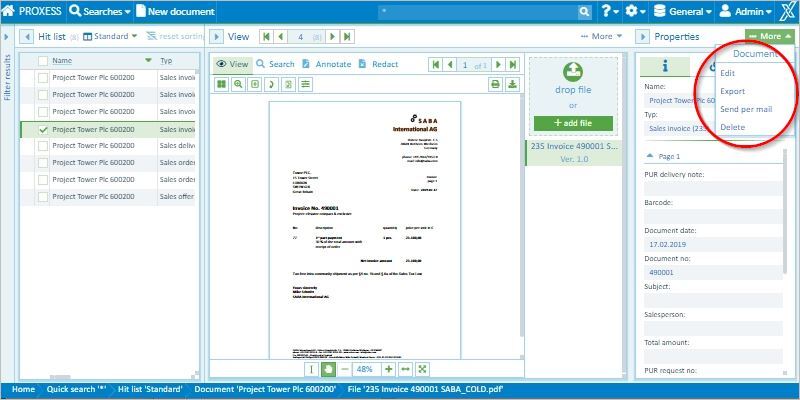
Fig.: Information about the document (editing mode)
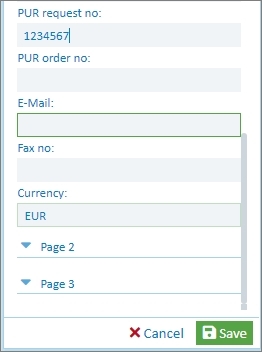
With Cancel, you can discard your edits and entries.
Go to video tutorial